Top 7 Antidetect Browsers in 2026
- User-agent & browser engine
- Canvas, WebGL, and Audio fingerprints
- Installed fonts and plugins
- Screen resolution and time zone
- OS, hardware specs, and device entropy
- Even if cookies are cleared, platforms can still identify users through these fingerprints.
- Modern platforms such as Google, Meta, TikTok, Amazon, and ad networks actively detect:
- Multiple accounts sharing similar fingerprints
- Proxy and device mismatches
- Reused environments across sessions
- Automated or abnormal browsing behavior
- Antidetect browsers solve this by:
- Creating unique, realistic browser fingerprints
- Fully isolating cookies, cache, and local storage
- Pairing each profile with a dedicated proxy
- Emulating real desktop or mobile devices
- Affiliate marketing & traffic arbitrage
- E-commerce (Amazon, Shopify, Walmart)
- Global social media management
- SaaS testing & Q
- Remote teams handling multiple identities
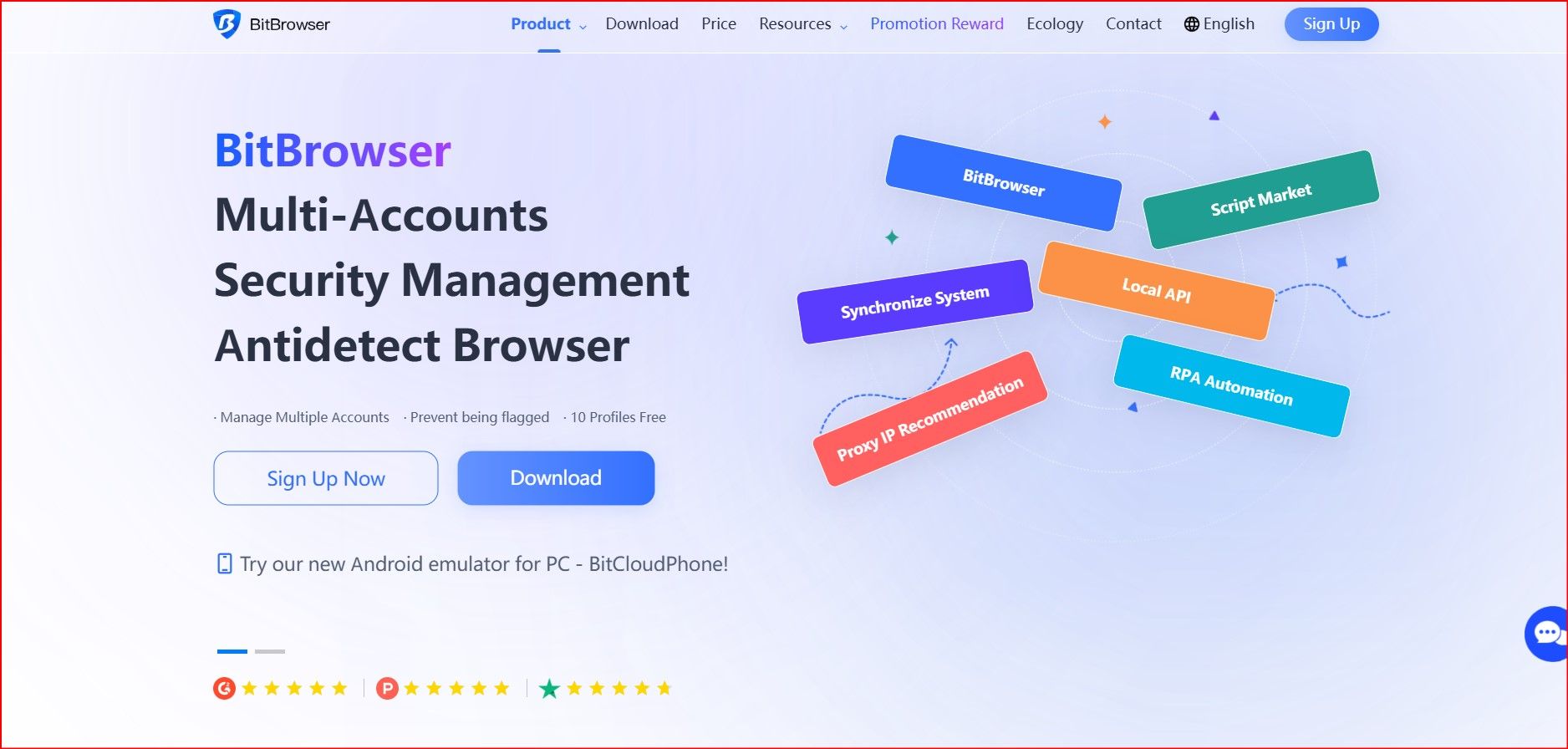
1. BitBrowser — Best Cost-Performance Antidetect Browser
Ideal for: Beginners, affiliates, e-commerce sellers, budget-conscious teams
Positioning: High fingerprint quality at the most affordable price
Key Features
- Highly realistic fingerprint generation (Canvas, WebGL, Audio, fonts)
- Full environment isolation per profile
- Cloud-synced profiles accessible from any device
- Team collaboration with role-based permissions
- API support for automation workflows
- Built-in proxy management (mobile, residential, datacenter)
- BitCloudPhone integration for desktop + mobile identity isolation
Pricing (2026)
- Free plan: 10 permanent profiles
- 50 profiles: $10/month
- 100 profiles: $15/month
- 200 profiles: $25/month
Best overall value antidetect browser in 2026
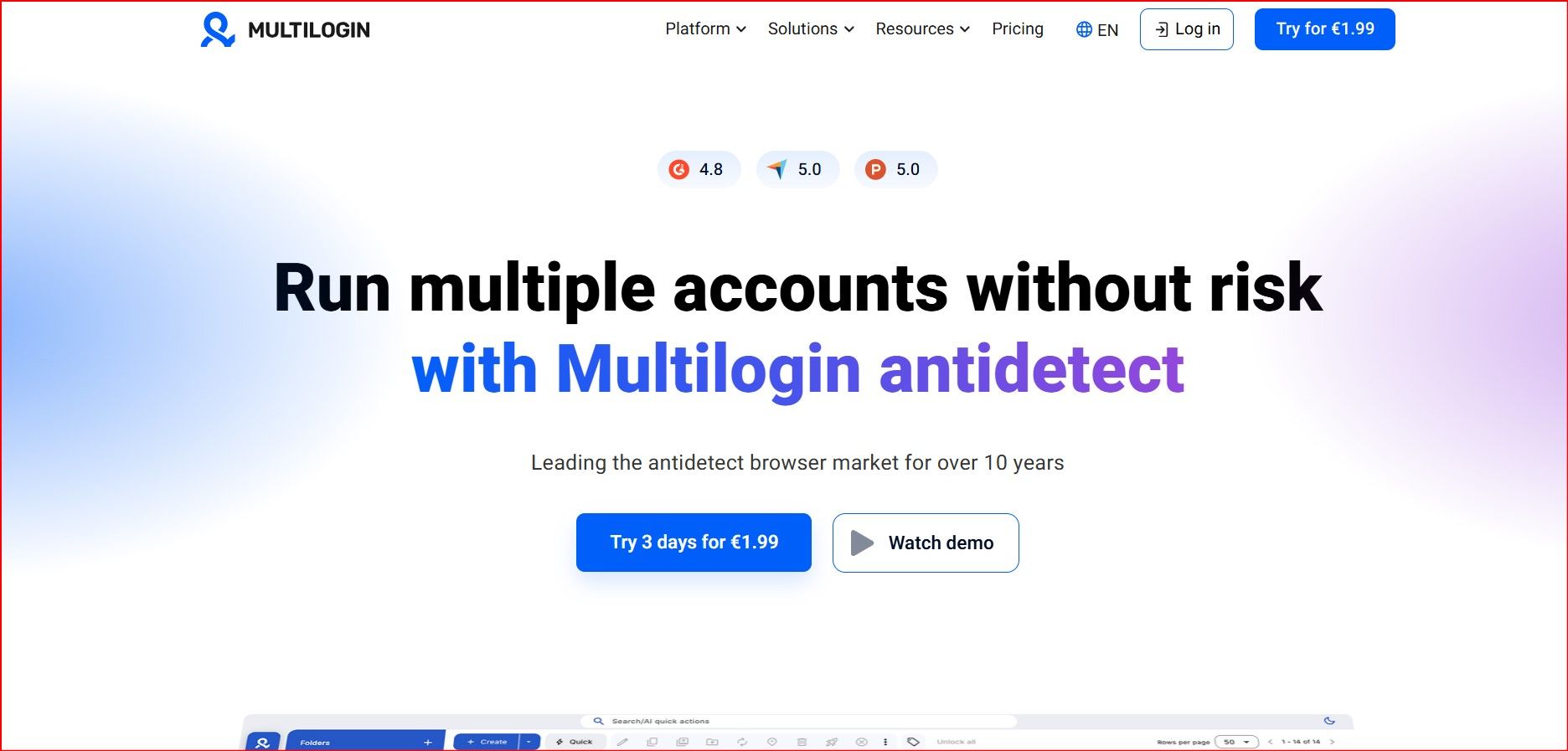
2. Multilogin — Enterprise-Grade Stability
Ideal for: Agencies, enterprises, high-volume operators
Positioning: Industry-leading fingerprint consistency
Key Features
- Mimic (Chromium) & Stealthfox (Firefox) engines
- Extremely stable and realistic fingerprints
- Advanced team and permission management
- Full automation support (Selenium, Puppeteer)
Limitations
- High pricing
- Steep learning curve
- No long-term free plan
Best choice for large agencies and enterprise workflows
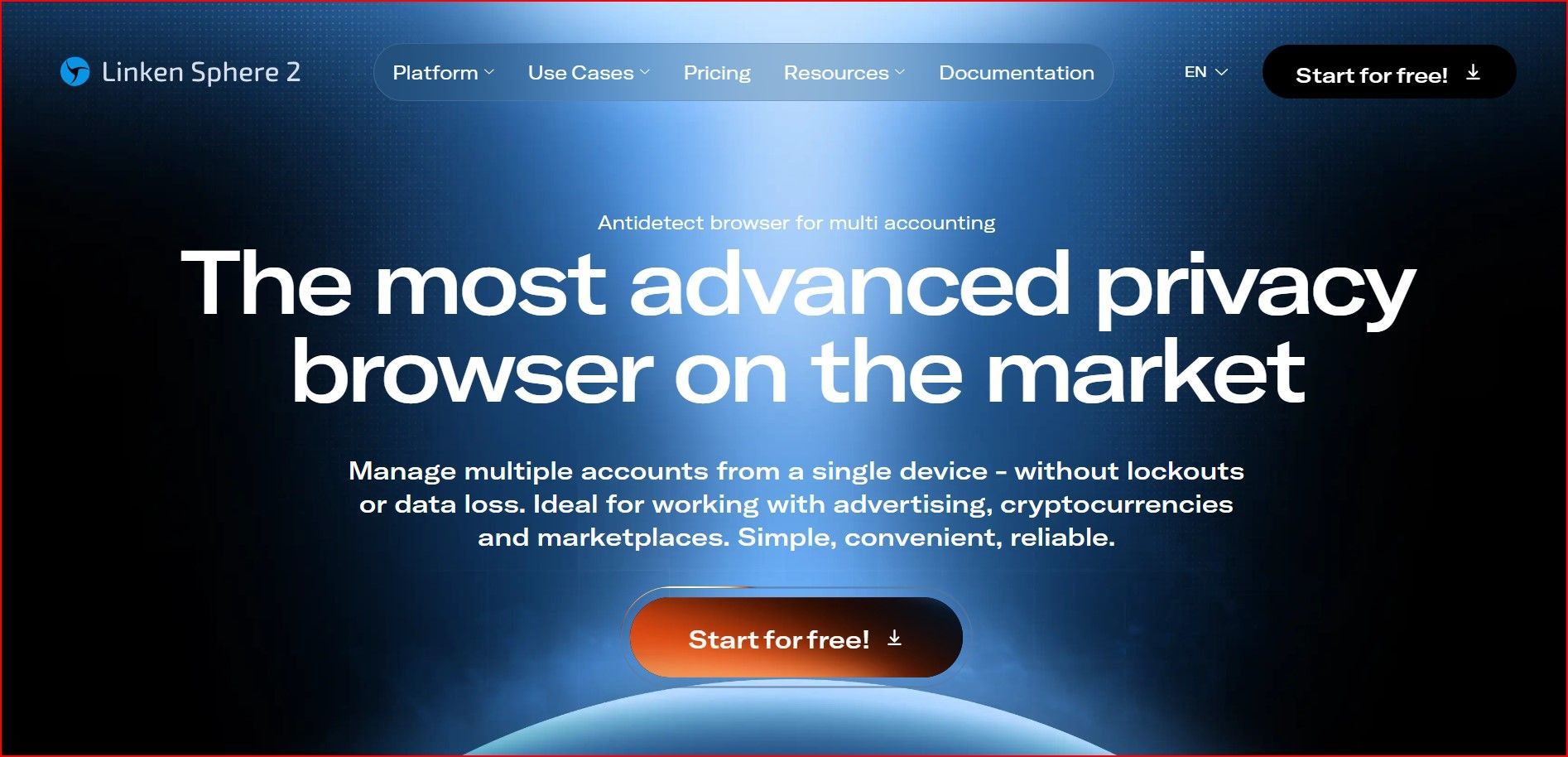
3. Linken Sphere — Advanced & High-Control Antidetect Browser
Ideal for: Security researchers, advanced operators
Positioning: Maximum fingerprint customization
Key Features
- Deep system-level fingerprint control
- Canvas, Audio, WebGL, and hidden attribute tuning
- Multiple engines and privacy modes
- Local or cloud profile storage
- Advanced session and cookie tools
Limitations
- Complex interface
- Not beginner-friendly
- Requires careful compliance and configuration
Best for expert users who need full control
4. Kameleo — Best Antidetect Browser for Mobile Emulation
Ideal for: Mobile automation, app testing, TikTok & Instagram
Positioning: Real mobile device fingerprinting
Key Features
- Genuine Android & iOS fingerprint profiles
- Real Android device emulation (sensors, OS, hardware)
- Desktop and mobile automation support
- Suitable for mobile-first platforms
Limitations
- Expensive mobile tiers
- Complex setup
- High system requirements
Best mobile-focused antidetect browser in 2026
5. Ghost Browser — Session Management & Productivity
Ideal for: Social media managers, support teams, researchers
Positioning: Productivity-focused multi-login browser
Key Features
- Tab-level session isolation
- Workspace and project organization
- Full Chrome extension support
Limitations
- Minimal fingerprint spoofing
- No built-in proxy system
- Not suitable for strict anti-ban use cases
Best for light multi-account productivity
6. GoLogin — Balanced & User-Friendly
Ideal for: Small agencies, affiliates, mid-level users
Positioning: Feature-rich with good usability
Key Features
- Built-in proxy marketplace
- Stable fingerprint engine
- Cloud profiles and team sharing
- Automation and API support
Limitations
- Fingerprint depth below enterprise tools
- Performance may degrade at very large scale
Strong all-around antidetect browser
7. Incogniton — Best for Beginners
Ideal for: Freelancers, solo operators, small teams
Positioning: Beginner-friendly with generous entry plans
Key Features
- Simple profile creation
- Clean, intuitive interface
- Basic automation and RPA tools
- Local or cloud profile storage
Limitations
- Limited advanced fingerprint customization
- Free plan restrictions after trial period
Best entry-level antidetect browser
Use Antidetect Browsers with GlobalProxies.net Proxies
To get the best results from any antidetect browser, high-quality proxies are just as important as fingerprints. Even the most advanced browser setup can fail if the IP address is unstable, overused, or poorly matched.
You can use GlobalProxies.net with all antidetect browsers listed above.
Why GlobalProxies.net Works Best with Antidetect Browsers
- Real 4G & 5G mobile carrier IPs
- Clean, rotating IPs trusted by major platforms
- Automatic rotation every 5 minutes or manual rotation via API
- Accurate geo-location across the USA & Europe
- Stable speeds for long sessions and automation
Supported Use Cases
- Affiliate marketing & arbitrage
- E-commerce account management
- Social media operations (TikTok, Instagram, Facebook)
- Ad account creation and management
- QA testing and multi-login workflows
👉
You can try these antidetect browsers with our proxies at:
https://globalproxies.net
Final Thoughts
In 2026, antidetect browsers are no longer optional—they are essential infrastructure for anyone managing multiple accounts professionally.
Each tool serves a different purpose:
- BitBrowser → Best cost-performance
- Multilogin → Enterprise stability
- Linken Sphere → Maximum control
- Kameleo → Mobile dominance
- Ghost Browser → Productivity
- GoLogin → Balanced usability
- Incogniton → Beginner-friendly
The right choice depends on your scale, platform focus (desktop vs mobile), automation needs, and budget. When paired with reliable mobile proxies like GlobalProxies.net, these tools significantly reduce detection risks and streamline multi-account operations.